
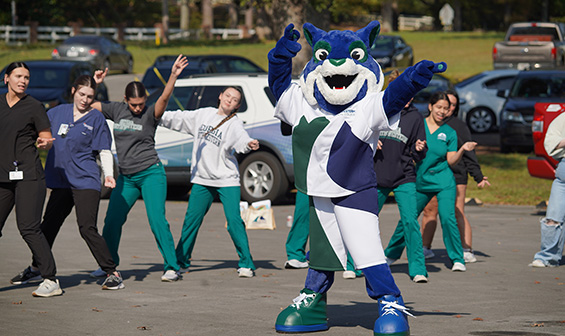
Shredder dancing with Students Shredder Dancing with Students

See How Your DE Credits Apply

Dual Enrollment

Check how your DE credits apply to a GNTC Program (Degree Works “What-If”):

You’ve already put in the work by taking college-level classes through Dual Enrollment at Georgia Northwestern Technical College. The good news? Those credits can give you a real head start toward a program of study here after high school.

Follow the instructions below, or watch the short video, to check your progress!

  1. Go to Okta, and sign in with your GNTC student email and password.
  2. Click MyGNTC on your Okta dashboard.
  3. On the Degree Progress card, click the three dots (⋮), then choose Degree Works.
  4. In Degree Works, click What-If (under your name/info box).
  5. Catalog Year: Choose the current or next upcoming semester.
  6. Major: Pick the GNTC program you’re interested in.
  7. Click Process to see how your current DE credits may apply.

How to Apply to GNTC as a Traditional/Returning Student

  1. Go to the Enrollment Portal
  2. Log in:
    • If you still have access to the account you used for your previous application, log in with that email address and password.
    • If you no longer have access to that account, email Enrollment.
      • Include the new email address you want to use.
      • Include your student ID, the email address you previously applied with, and/or date of birth so we can verify and update your record.
  3. Start a New Application:
    • After logging into your Enrollment Portal, click Start New.
    • On the new application, choose Re-Admit as your student type (attended Georgia Northwestern Technical College previously).
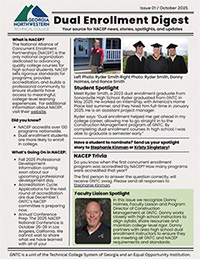
Check out the latest issue of Dual Enrollment Digest!

Contact Kristi Hart for more information.
Back to Top